
Getting started
1. purchase a
membership
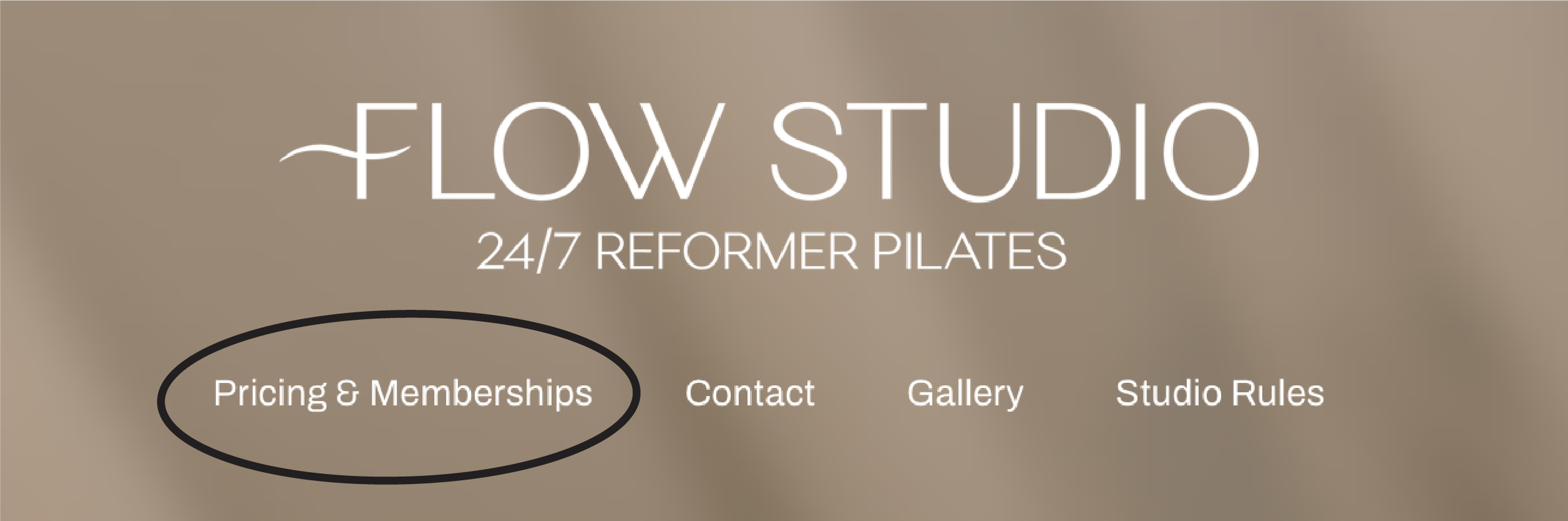
Choose and purchase a membership or a casual session on the Pricing & Memberships tab here on our website.
Choose from:
FLOW 1
1x On-demand session per week
FLOW 2
2x On-demand sessions per week
FLOW UNLIMITED
Unlimited on-demand sessions per week
FLOW CASUAL SESSION
1x Casual on-demand session
2. download
our app
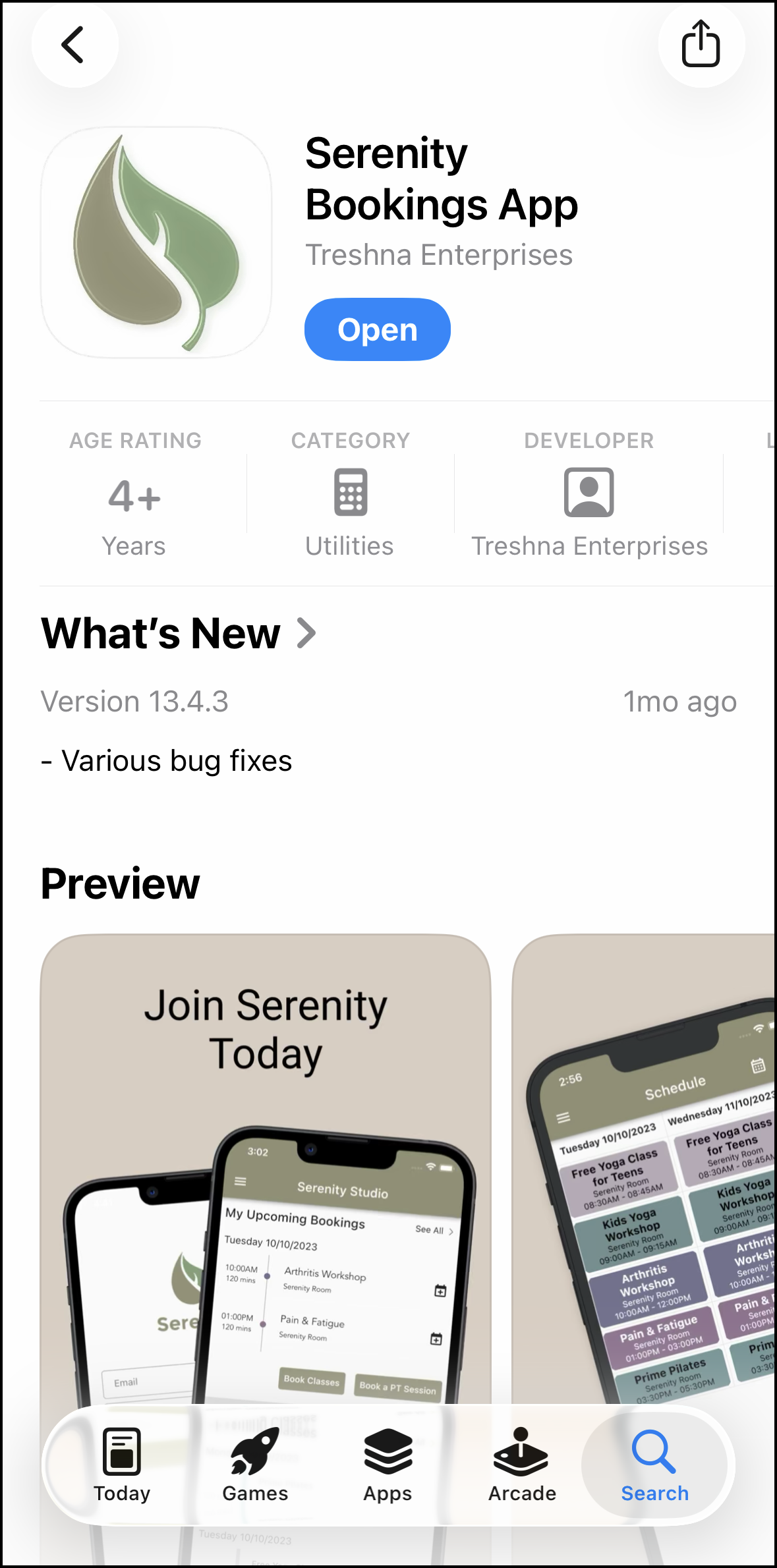
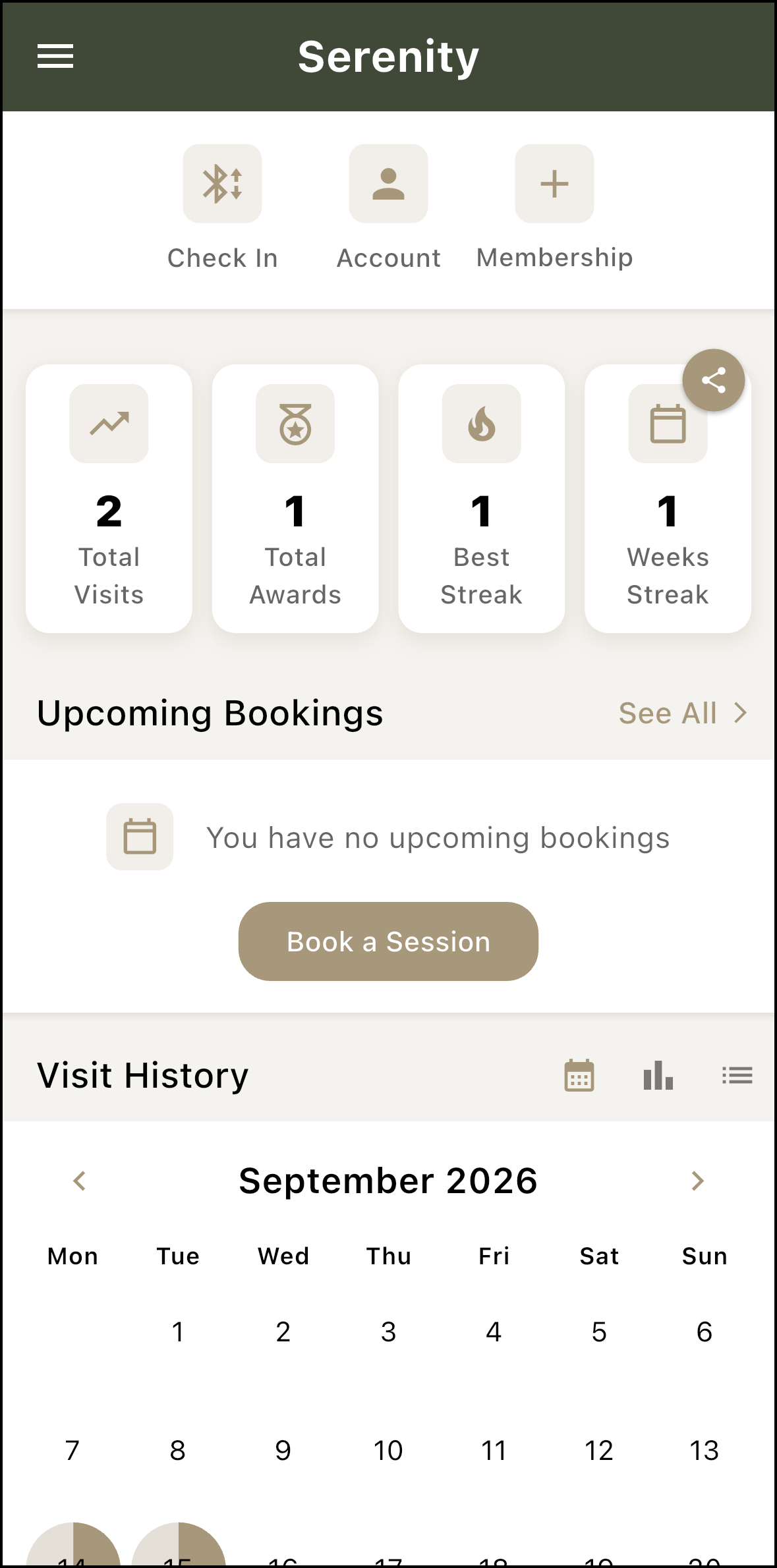
Jump on the Apple App store or the Google Play store and download the Serenity App. Locate our studio and sign-in. You MUST download our app and sign-in, as the “Check-In” button on your app acts as the Flow Studio front door key.
3. book your
class
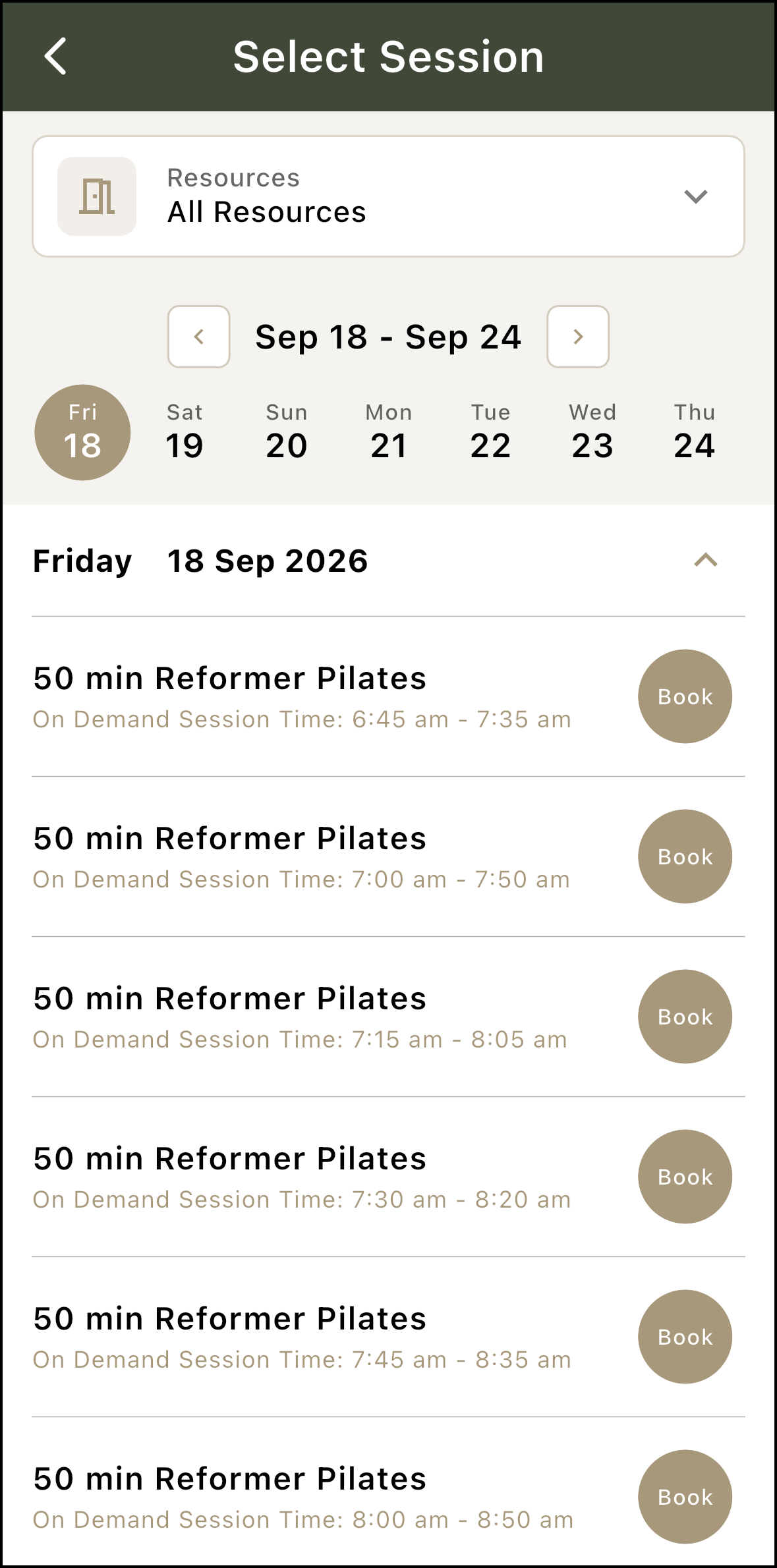
Click on “Book a Session” button to book your first on-demand session at Flow.
4. watch our
induction videoS
Induction:
Before Your First Visit:
5. ARRIVE AT
YOUR Session!
And that’s it! It’s as simple as that. Simply turn up to your session at the correct time, unlock the front door using the “Check In” icon on the app (shown in the screenshot above) and you’re ready to Flow.
What else do I need to know?
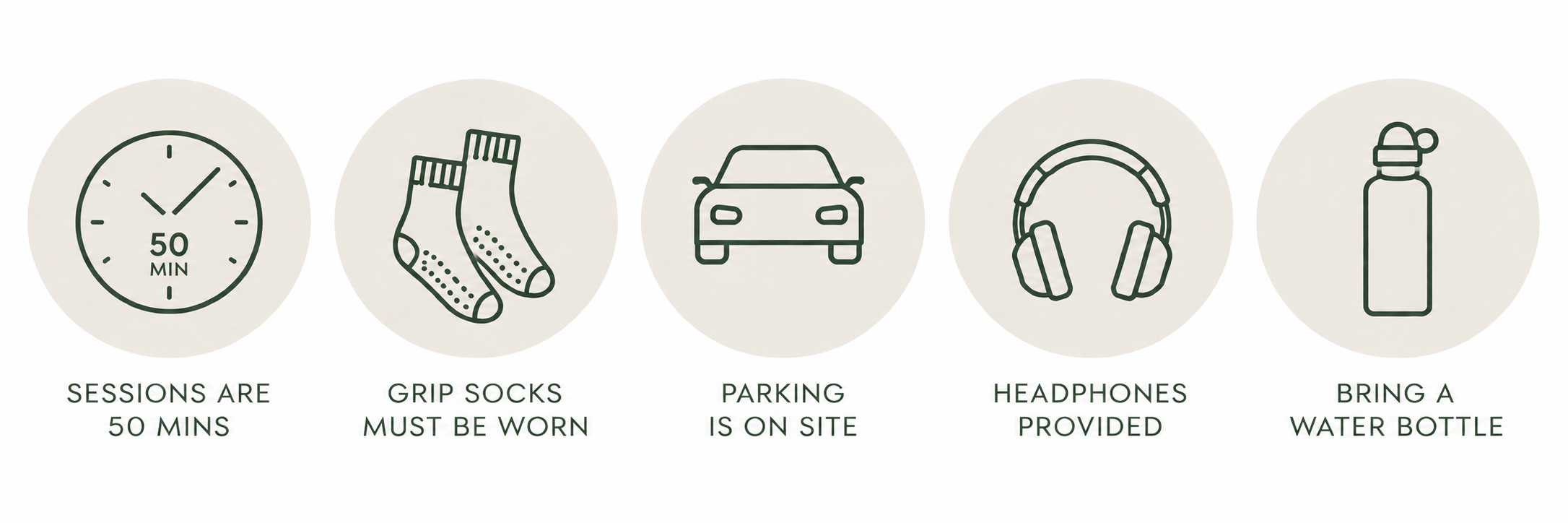
Enjoy your flow!like to know more?
Want to ask a question? Like to be on our database to stay up to date with our news and upcoming events etc?
Please fill out the form opposite and we’ll be in touch.